
Screenshots
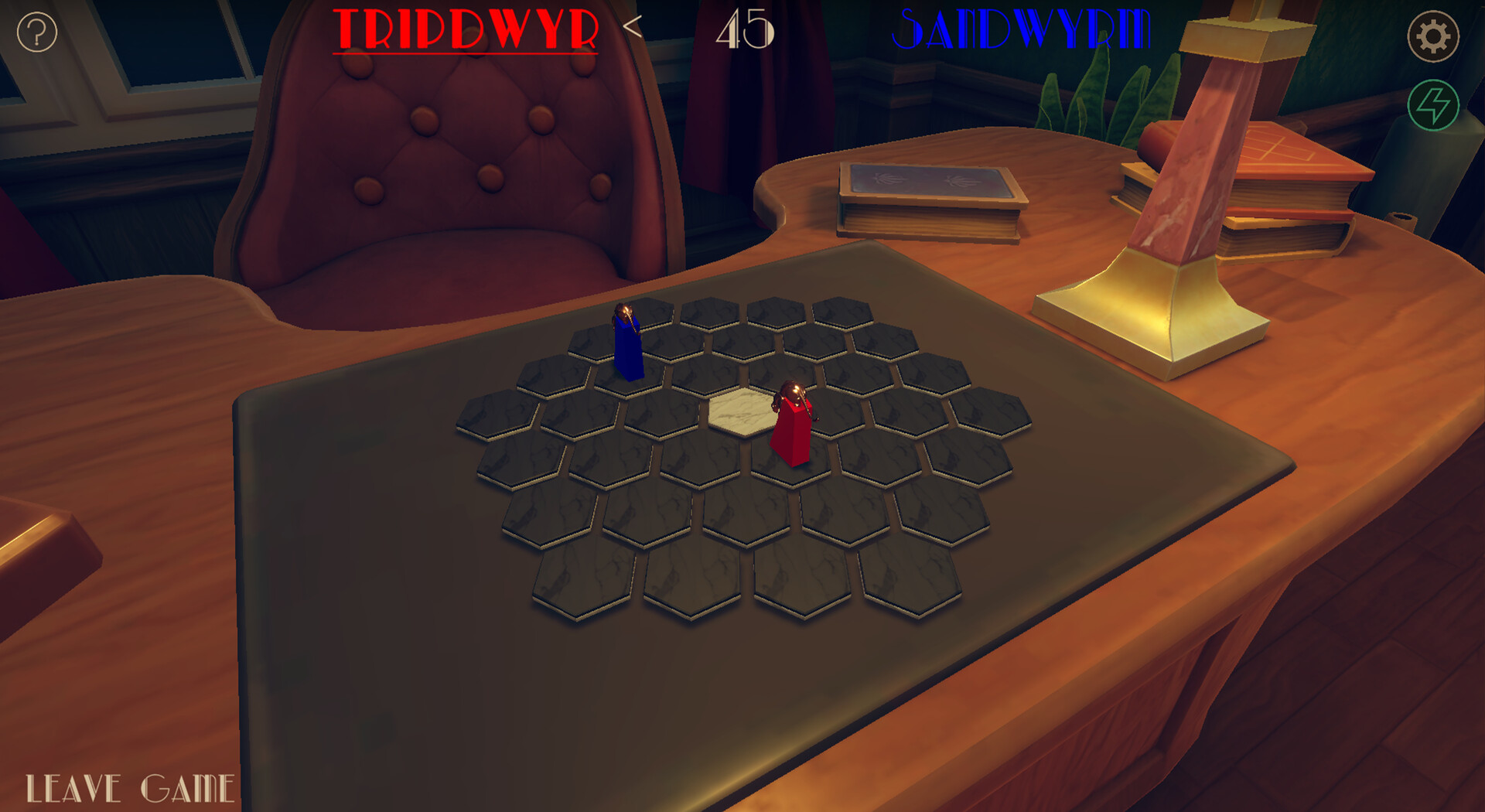
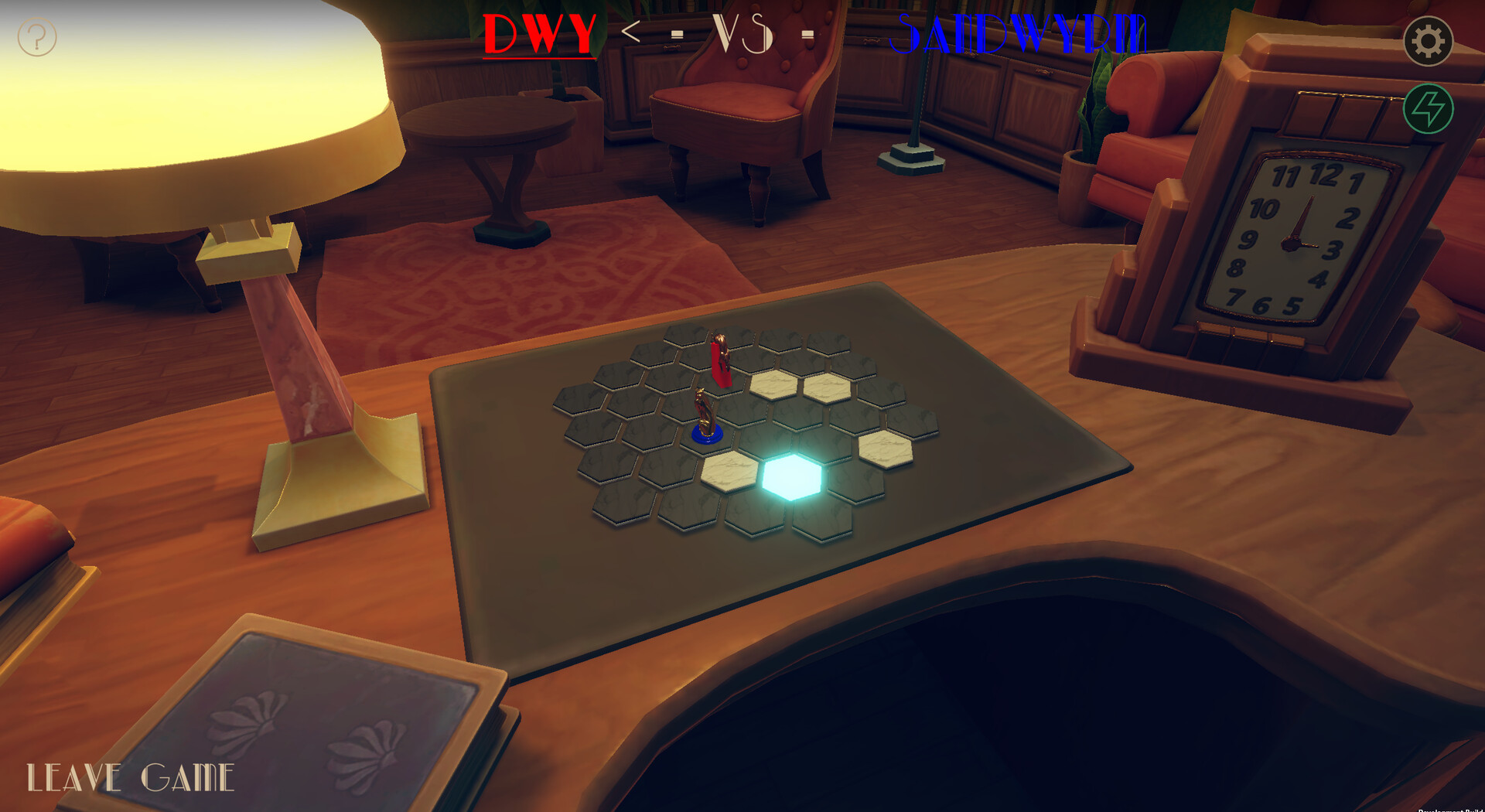
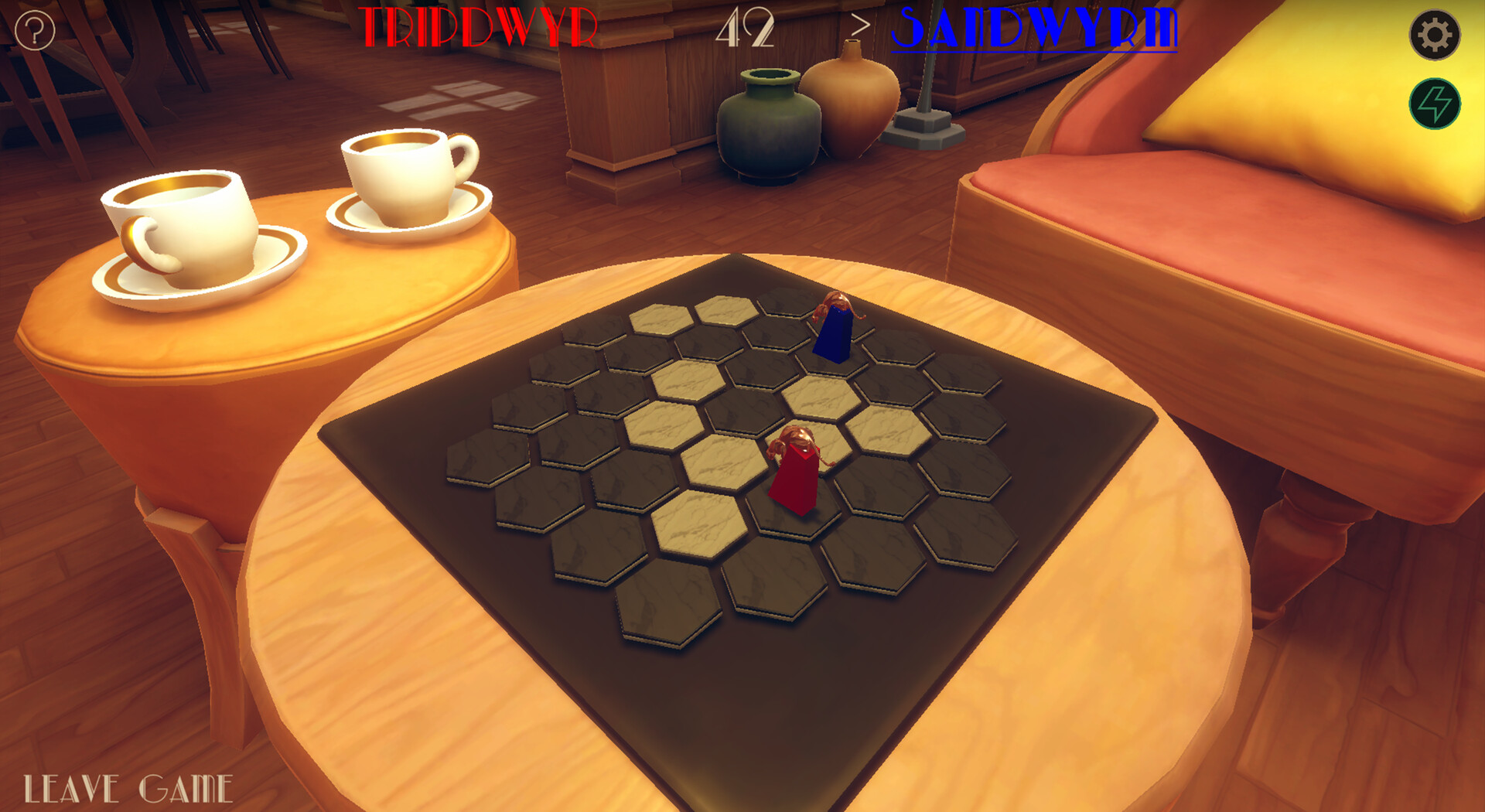
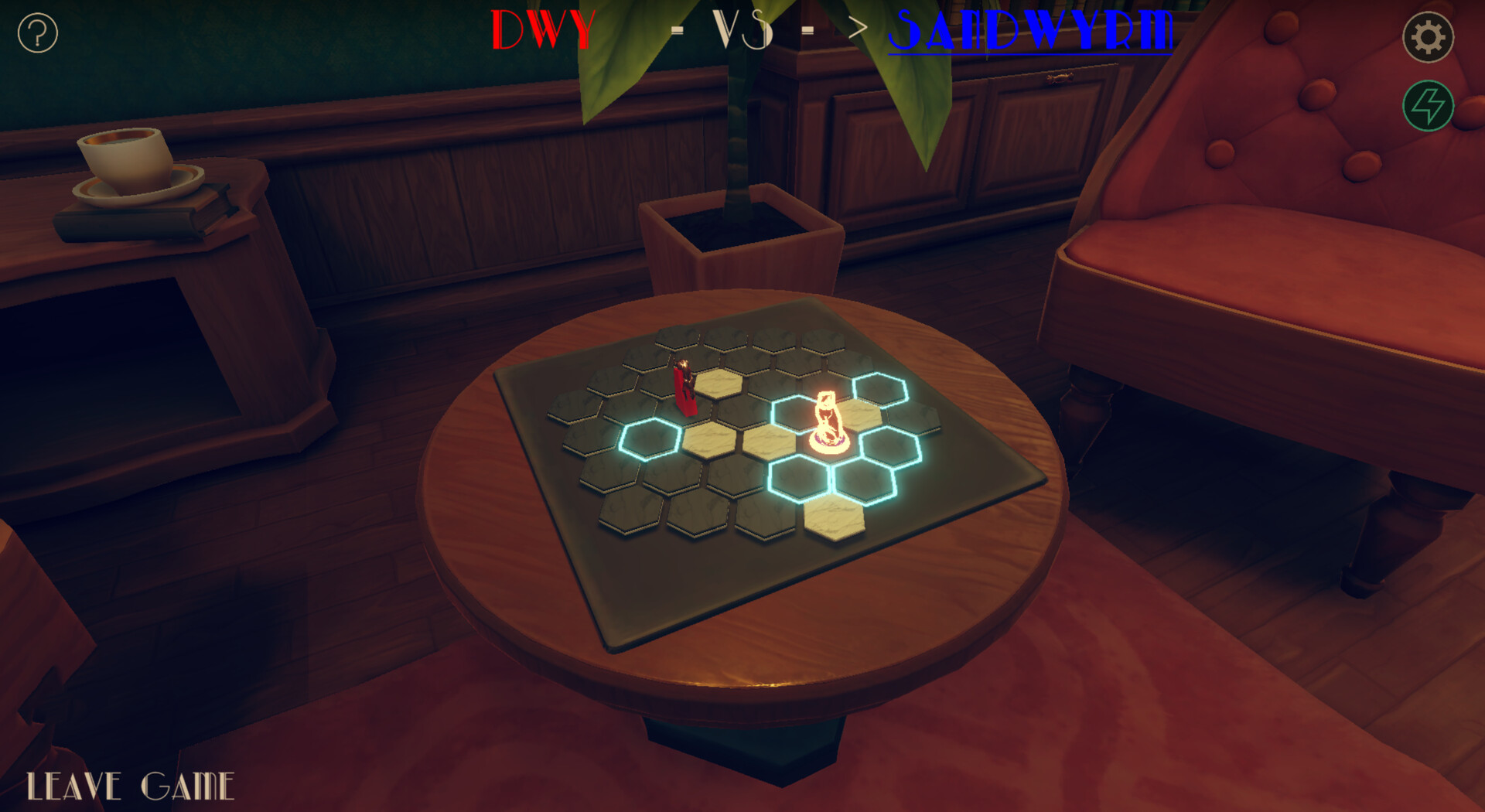
App details
- Updated
- 4 Dec, 2024
- Language
- English
- Developer
- Sandwyrm Games
- Category
- Mobile
SoftPas in:
This product is also available in the following languages:
About Push 3D
Download Push 3D – strategy game, push board game, 3D board game, online multiplayer, tactical gameplay
Overview
Push 3D reimagines the classic board game concept through a digital lens, delivering a strategic and dynamic experience tailored for mobile gamers. Designed for players who appreciate thoughtful gameplay and competitive challenges, the app transforms the traditional push mechanics into a visually engaging 3D environment. The game centers on tactical decision-making, where each move impacts the board’s configuration and alters the flow of the match. By incorporating elements such as Slip tiles and real-time multiplayer interaction, Push 3D elevates the genre beyond static board games, offering a living, evolving battlefield.
Target users include strategy enthusiasts, casual gamers seeking mental stimulation, and friends looking for a competitive yet accessible way to play together online. The game’s focus on foresight and spatial reasoning appeals to players who enjoy games that reward planning and adaptability. While the developer, Push 3D, has not provided additional background details, the app’s release in December 2024 signals a fresh entry into the mobile strategy space. Its presence in the Android ecosystem suggests a targeted release for mobile-first audiences.
Real-world use cases include quick multiplayer sessions during breaks, family game nights via online connection, or solo practice to refine tactical skills. The app fills a niche by combining physical board game mechanics with digital convenience, making it a valuable addition to the mobile gaming landscape. Its emphasis on strategic depth and interactive gameplay positions it as more than a casual pastime—it’s a tool for mental engagement and social connection.
Key Features & Functionality
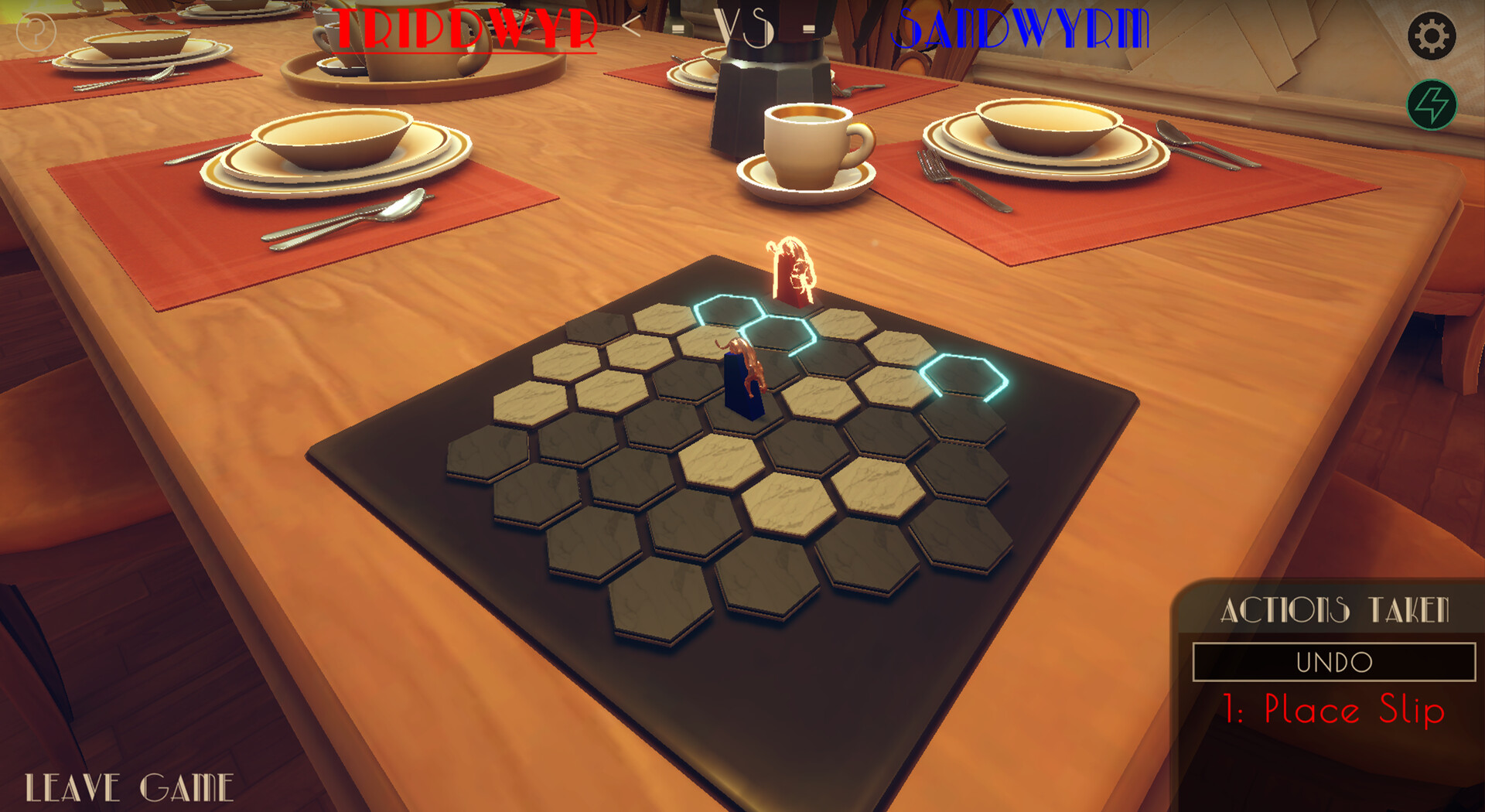
- Strategic Gameplay: Each turn requires players to choose between flipping tiles, moving their piece, or pushing opponents. This decision tree creates a high level of engagement, as every action has cascading consequences. For example, flipping a tile may expose a Slip tile, altering the board’s dynamics unexpectedly.
- Hex-Based Board Design: Unlike conventional square grids, the hexagonal layout introduces asymmetrical movement paths and unique positioning challenges. Players must adapt their strategies based on the angles and adjacency rules of the hex grid, adding depth to spatial planning.
- Real-Time Multiplayer Mode: Compete against friends or random opponents in live matches. The real-time nature ensures immediate feedback and heightened tension, making each game feel urgent and immersive. This feature supports both local and global connections, broadening the player base.
- Dynamic Slip Tiles: These tiles introduce unpredictability by causing pieces to slide when stepped on. Skilled players can use this mechanic to create traps or launch surprise attacks, turning a defensive position into an offensive advantage.
- Victory Through Cunning: Winning requires more than brute force—it demands foresight, patience, and the ability to anticipate opponent moves. Successfully pushing an opponent off the board is the ultimate goal, achieved only through careful planning and precise execution.
These features combine to create a gameplay loop that rewards long-term strategy over short-term gains. Whether playing solo to master mechanics or competing online for bragging rights, each session offers new challenges and learning opportunities.
Interface, UX & Performance
The user interface of Push 3D is designed with clarity and functionality in mind. The 3D board is rendered with smooth animations and intuitive visual cues, helping players track tile states, piece positions, and movement paths. Navigation is straightforward, with touch-based controls allowing for easy selection and execution of actions. The layout prioritizes accessibility, placing key options within reach of the thumb, which enhances usability on larger Android devices.
Visual style leans toward a clean, modern aesthetic with subtle textures and depth effects that emphasize the 3D nature of the board. Color contrasts are well-balanced, ensuring that important elements stand out without causing visual fatigue. The app maintains consistent responsiveness across different screen sizes, though the developer did not list formal performance metrics.
Although the developer did not list formal performance metrics, the app’s 104 MB size suggests efficient resource usage. The interface remains stable during gameplay, with no reported lag or crashes in early access. Users can expect smooth transitions between turns and minimal loading times. Stability is further supported by the absence of known bugs in the initial release, indicating solid foundational development.
Platform Compatibility & Technical Requirements
Push 3D is available exclusively on the Android platform, making it accessible to users of Android smartphones and tablets. The app runs on Android OS, though specific version requirements were not listed by the developer. This lack of detail means compatibility with older or newer Android versions remains uncertain without further information.
The app has a file size of 104 MB, which is moderate for a mobile game with 3D graphics and multiplayer functionality. This size indicates a balance between visual quality and download efficiency, suitable for users with limited storage or slower internet connections. No additional hardware requirements were specified, suggesting broad compatibility with standard Android devices.
The developer did not specify minimum OS requirements or device capabilities, so users should exercise caution when installing on older or low-end models. While the app functions on modern Android devices, performance on legacy hardware may vary without official confirmation.
Pros and Cons
Pros
- Engaging strategic gameplay with meaningful decision-making
- Unique hex-based board design enhances tactical depth
- Real-time multiplayer mode supports competitive and social play
- Dynamic Slip tiles add unpredictability and replayability
- Free to download and install, with no in-app purchases mentioned
Cons
- Specific system requirements were not disclosed
- Compatibility with older Android versions is unclear
- No information on update frequency or future content plans
- Limited platform availability (Android-only)
- Developer background and support details not provided
FAQ
Is Push 3D available on iOS?
The app is currently available only on Android. No information about an iOS release has been provided.
Is Push 3D free to download?
Yes, the app is free to download and install. The price listed is $0.00, with no indication of in-app purchases in the current version.
Can I play Push 3D offline?
While the app supports real-time multiplayer, the developer did not specify whether offline or single-player modes are available.
How large is the app file?
Push 3D has a file size of 104 MB, which is considered moderate for a mobile game with 3D graphics and online features.
Is Push 3D safe to install?
As a free app from a known developer, Push 3D is considered secure. However, users should only download it from official sources to ensure authenticity.
Final Thoughts
Push 3D stands out in the mobile strategy genre by blending classic mechanics with modern digital enhancements. Its hex-based board, Slip tile dynamics, and real-time multiplayer mode create a rich and evolving experience that rewards careful planning and adaptability. The app offers a refreshing alternative to repetitive mobile games, appealing to players who value depth and challenge.
While the lack of detailed technical information and platform exclusivity limit its reach, the game’s free model and engaging core loop make it a compelling choice for Android users. Whether you're a seasoned strategist or a casual gamer looking for a mental workout, Push 3D delivers value through its innovative design and competitive spirit.
Download Push 3D now
Guides & Tutorials
How to install Push 3D
- Click the Download button above.
- Once redirected, accept the terms and click Install.
- Wait for the Push 3D download to finish on your device.
How to use Push 3D
This software is primarily used for its core features described above. Open the app after installation to explore its capabilities.
User Reviews
No reviews yet. Be the first to share your experience.
You may also like
more
Que no te pillen¡
About !Que no te pillen¡Reviewed by Jason A. BilbreyShow MoreShow Less

3D Combat Zone
About 3D Combat ZoneOriginally released in 1983, 3D Combat Zone immerses players...

666: El día del portal
About 666: El día del portalOn June 6, 2006, Agent P. Stone uncovers a sinister...

80 in 1 Best Flash games
About 80 in 1 Best Flash games 80 in 1 Best Flash games is a collection of 80 fl...

ABYSS SEEKERーーWhat Do You See Deep in The Abyss
About ABYSS SEEKERーーWhat Do You See Deep in The AbyssIn ABYSS SEEKER, players...

ACA NEOGEO THE KING OF FIGHTERS 2002 for Windows
About ACA NEOGEO THE KING OF FIGHTERS 2002 for WindowsTHE KING OF FIGHTERS 2002,...